Account issues
Organized by the symptom you're seeing.
"I can't sign in / need to reset my password"
The same login works on both apps, but only the web app can reset a password.
- Web App: use the password-reset option on the sign-in screen.
- Mobile App: there is no password reset on the phone. Either sign in with the emailed sign-in link instead of a password, or reset the password on the web and then sign in on the phone with the new one.
- On a new device: sign in with the same account and the phone downloads your herd. Core records arrive first and older history backfills behind them, so the app is usable before the sync has entirely finished. See Sync Diagnostics.
"I need a copy of my data" / "How do I back up?"
- Request an export from Backup, Export & Deletion; restore it later via Restore from Backup.
"I want to delete data or close my account"
- Both live in Backup, Export & Deletion, and both require you to type delete to confirm.
- Delete all my data is immediate and cannot be undone. Export first.
- Close my account builds you an export, emails you the links, cancels your subscription at the end of the paid period, and schedules deletion 30 days out — sign back in within that window and you can undo it.
"My access ended — is my data gone?"
No. A lapsed trial or subscription stops data syncing; it does not delete anything and does not start a countdown.
- Web App: dashboard pages redirect to your account page, where you can resubscribe, export, or delete.
- Mobile App: the app keeps working on the copy of your herd held on the phone — you can read and keep recording. Nothing uploads or downloads until the subscription is active again, and queued edits are held rather than dropped.
- Export and deletion keep working either way. Restoring a backup is the one thing that needs an active subscription.
"I am not getting emails from OmniBurrow"
Check your email preferences — eight categories are yours to switch on or off, and switching one off stops it being sent rather than just hidden. Account and security email (export ready, account closure) always sends and cannot be turned off, so if you are getting none at all, check your spam folder and that your address is right.
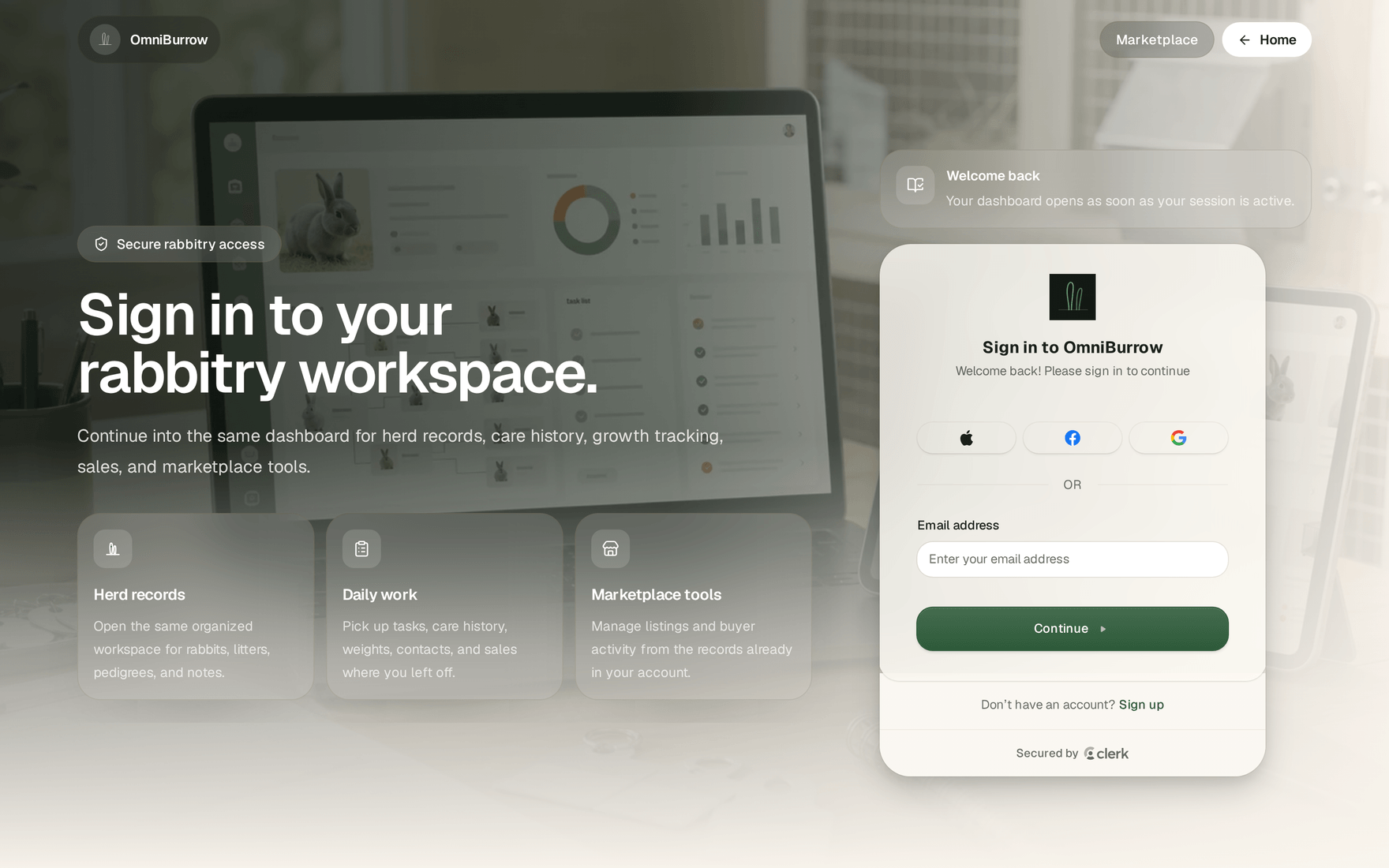
Start on the web sign-in page. Enter your email, then use the password-recovery option on the next step if you need it.